Never forget any tasks or follow-up
With table reminders you have everything under control. Seamlessly set reminders for to-dos, tasks or follow-up messages.
 Download for Mac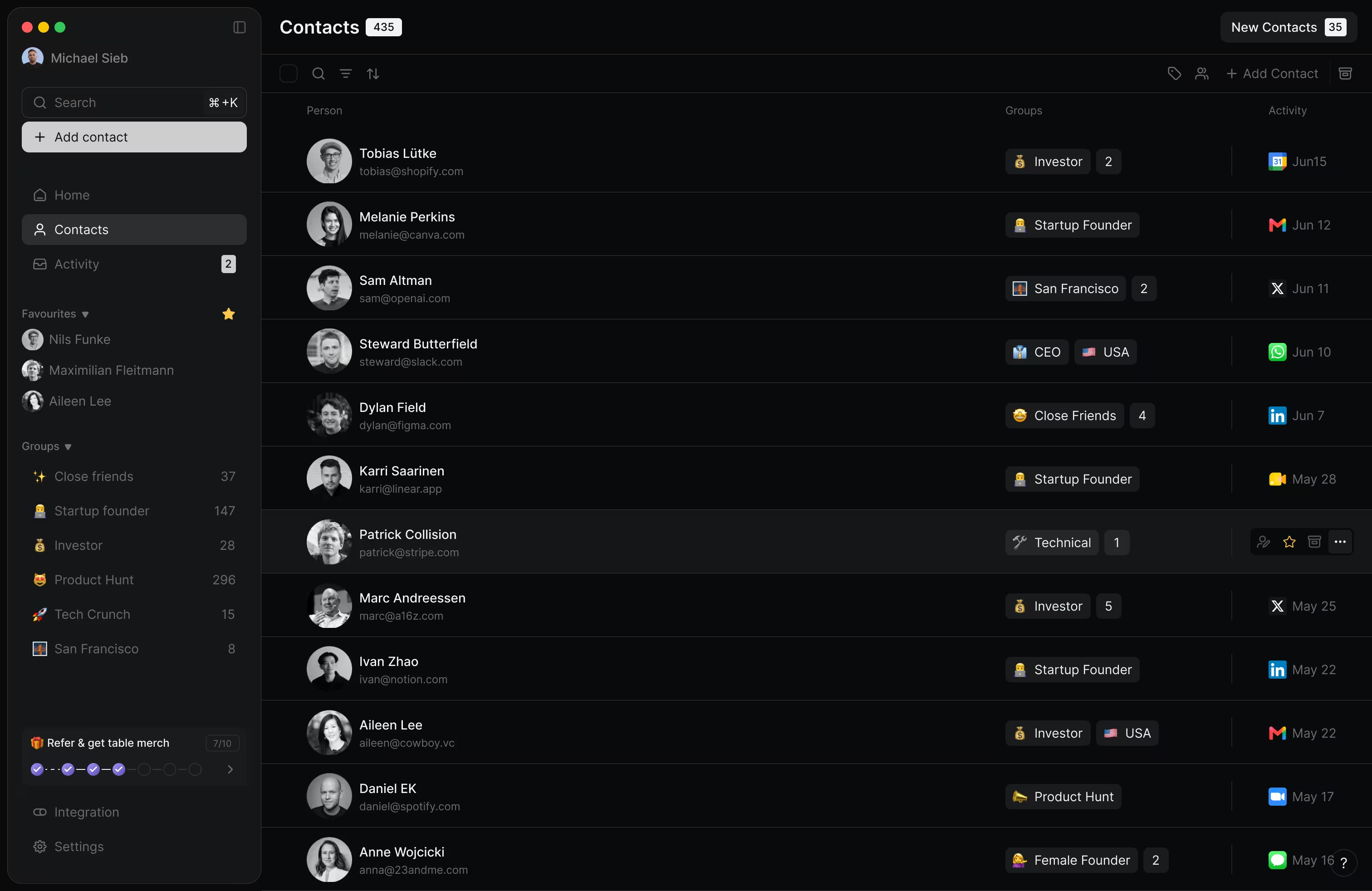
Powering world-class people from


Create reminders on the move
Use table's AI assistant through your WhatsApp or iMessage messenger and set up reminders even when you are in a rush. Use text or voice inputs.
Get started
Smart reminders
It is though to always keep in mind of your emails, video call meetings or people you connect on LinkedIn wit. table will have an eye out for you and suggest you when it makes sense to follow up with someone to strengthen the relations.
Get started
Loved by professionals globally
Stop juggling apps to track your network. Our mission is to nurture human relationships. It will become even more important in the age of AI.
This CRM feels like a secret weapon for managing relationships. It picks up on the little things I'd normally miss and helps me stay thoughtful without the mental overhead.

Courtney Werner
Founder Gift N' Stick

I've tried a bunch of CRMs, but this is the first one that actually fits into my life without adding friction. It feels smart, intuitive, and almost like it knows what I need before I do. It's helped me build trust and stay top-of-mind in a way that feels natural, not forced.

Declan Kelly
GP @Foreword Fund

table isn't just about keeping track of contacts — it's about being a better communicator. The AI actually helps me follow through on conversations and stay connected, even when things get busy. It's like finally having a system that works the way I do.

Theresa Dinh
Notion Ambassador

Building my network over a decade now brought me to a level where it is impossible to stay on top of all without the help of a tool.

Maximilian Fleitmann
CEO & Co-Founder @Magier

What surprised me most is how natural it feels to use. I don't have to constantly input data or remember to follow up. The AI gives me just the right nudges without being annoying.

Gordana Laskovic
Community Manager

I have tried creating this on Notion, but the work was way too manual... Super happy that there is finally a product for this!

Dan Siepen
Growth Marketer

I tried so many other tools out there, and honestly none is easy to set up and get going. I love how you can easily add notes via AI — that's the most painful part. Need to find the contact, and find the exact field you need to update.

Tony Han
Product Manager @Microsoft

Take the shortcut
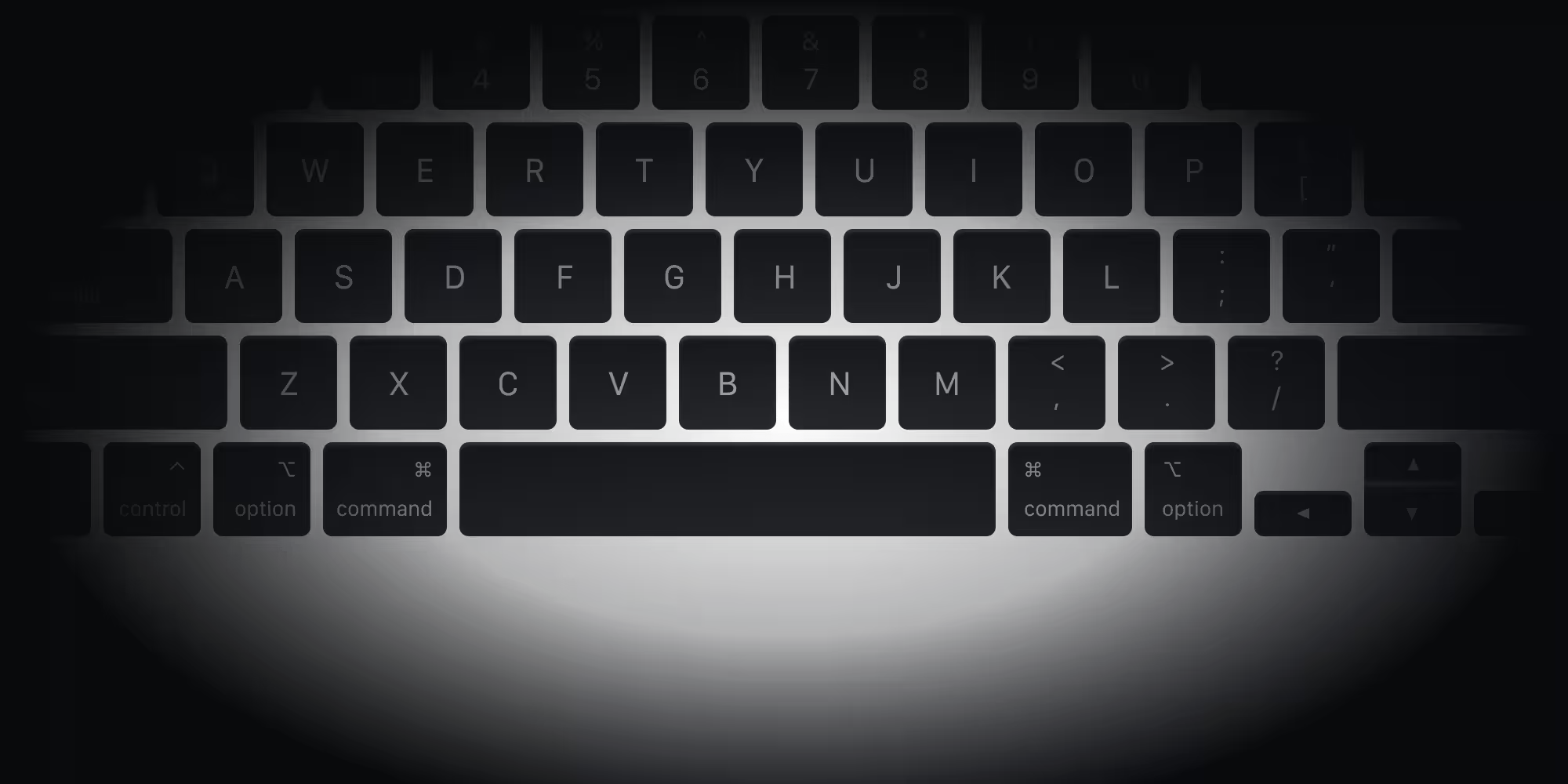
Keyboard-first design. Increase your productivity by using shortcuts to get things done quicker.








 k
k

Discover more
table has a rich set of features. Go check them out.
Frequently asked questions
Everything you need to know about reminders.
Pro starts at $18. Cancel anytime.
Ready to manage your network the right way?
table brings together everyone you've ever met. Automatically organized, intelligently searchable, always up to date. For you and your team.
